Build complex scheduling experiences

without rebuilding everything from scratch

0%

Enterprise-grade UI for scheduling, resource management, and advanced calendaring.

Designed for teams extending or replacing existing solutions, Mobiscroll UI gives you the control to build exactly what your product needs - while handling scale, performance, and complexity out of the box.

Get started for free. Full functionality and support to build out your proof of concept.

BridgestoneZurich InsuranceKPMGCERNANZ BankJLLKBRServiceTitanYardi
Native framework components
True React, Angular, and Vue components - not wrappers - so you build on your framework's real APIs.
A toolkit, not a rigid system
Model your own shifts, resources, and rules with lifecycle events, templating, and full render control - no predefined flows.
Performance at scale, mobile-first
Smooth with large datasets and high-frequency interaction, touch-optimized, down to second-level resolution.
Proven foundation
400+ interactive demos, deep docs, WCAG accessibility, and developer-led support from the team that builds the components.

Built for internal and product teams solving complex scheduling problems

From HR planning to complex scheduling, resource management, and project coordination, Mobiscroll UI helps teams build solutions that match their exact workflows - whether for internal tools or customer-facing products.

The use cases below are examples of what teams build with Mobiscroll UI - each is a starting point you shape to your own workflows, not a fixed product.


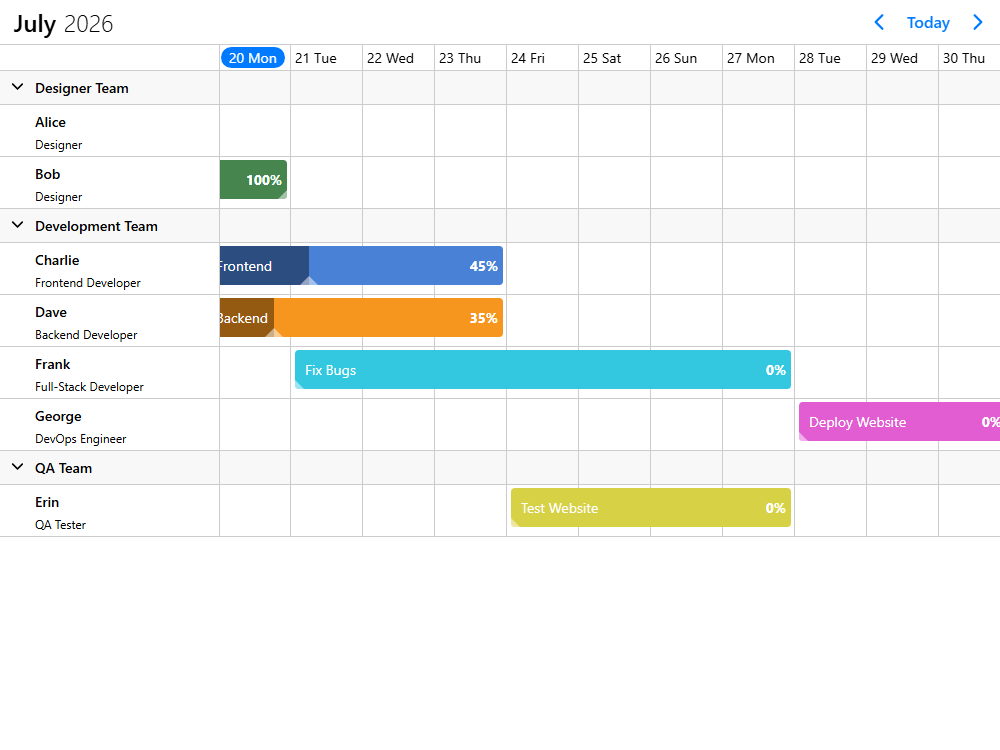
HR planning

Scheduling

Resource management

Project management
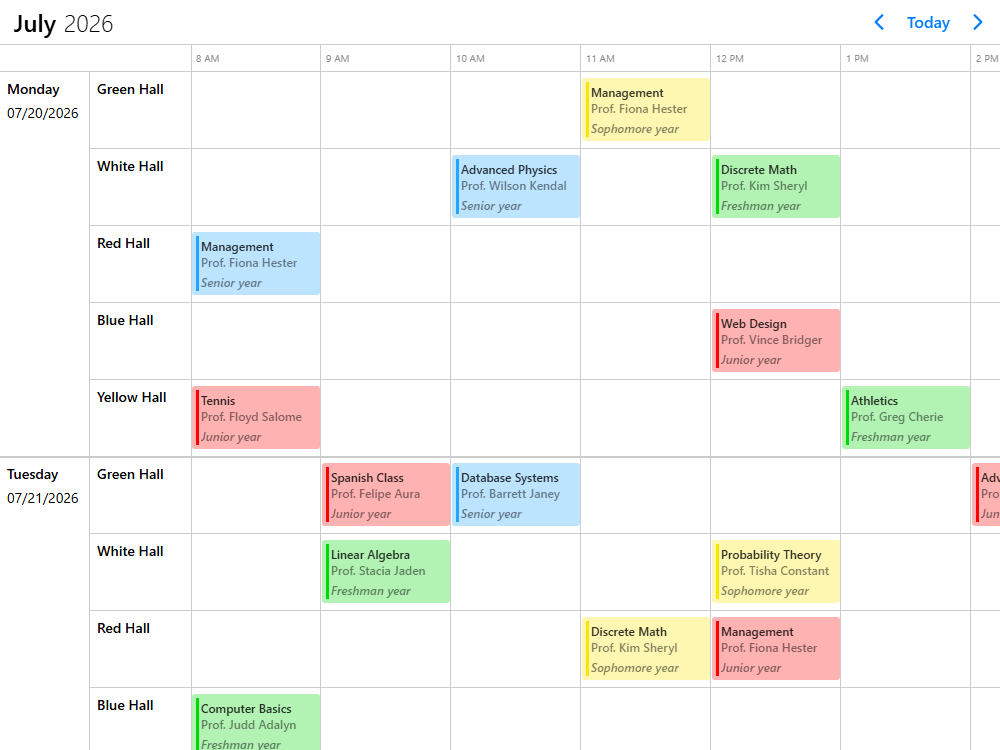
HR planning example
Rota planning
Staffing
Absence & leave
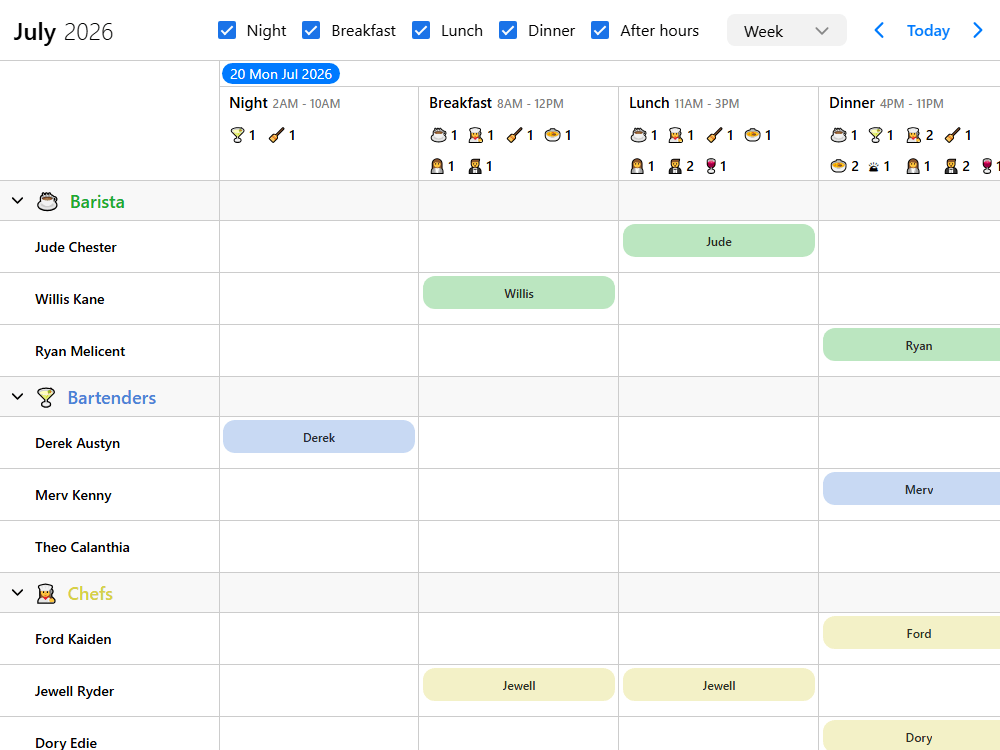
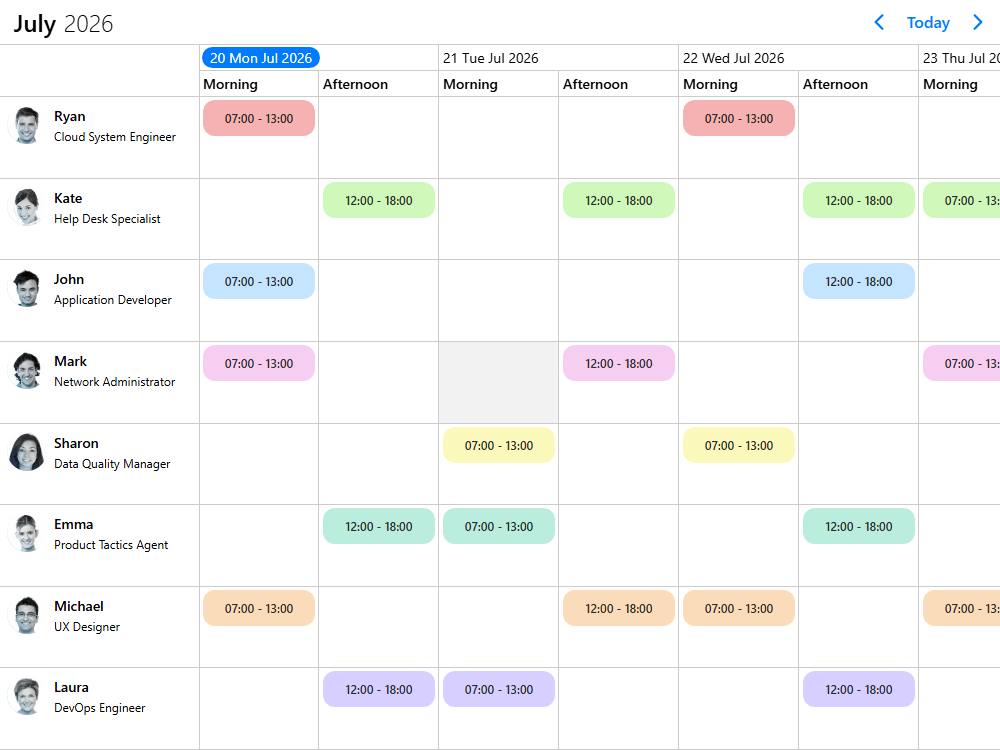
Shift planning
Timesheets
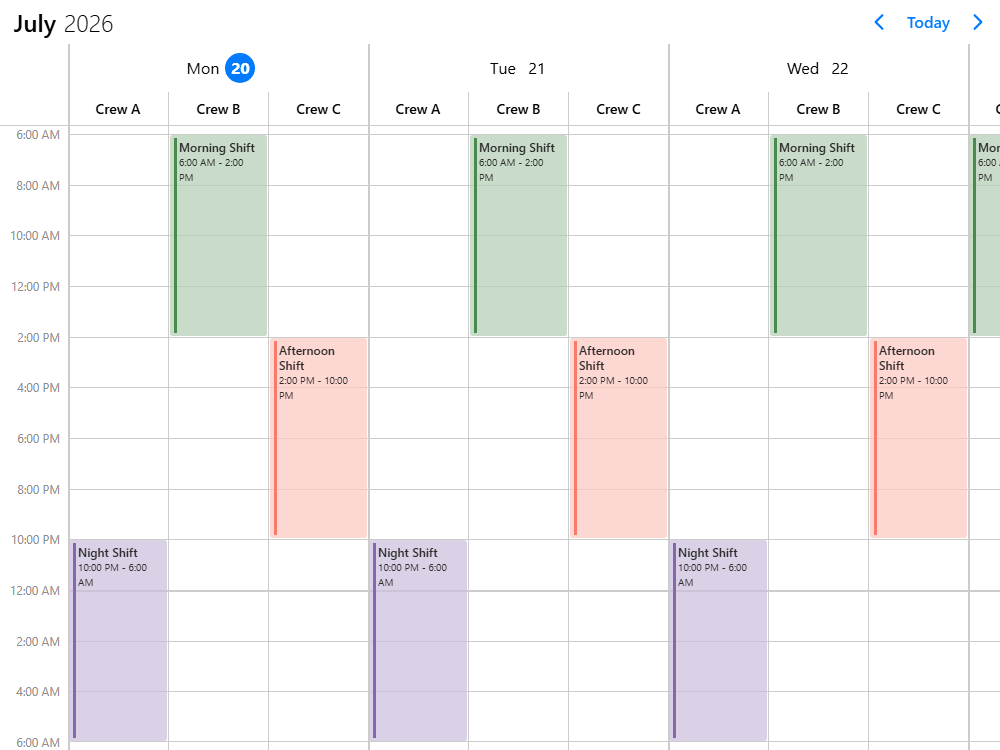
Crew management
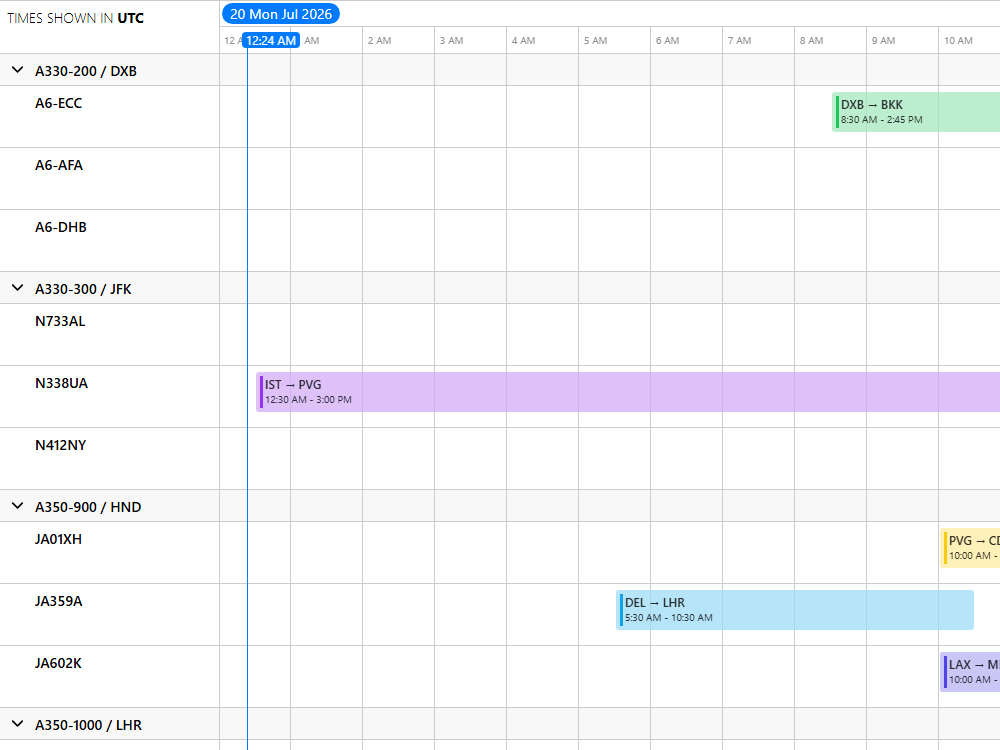
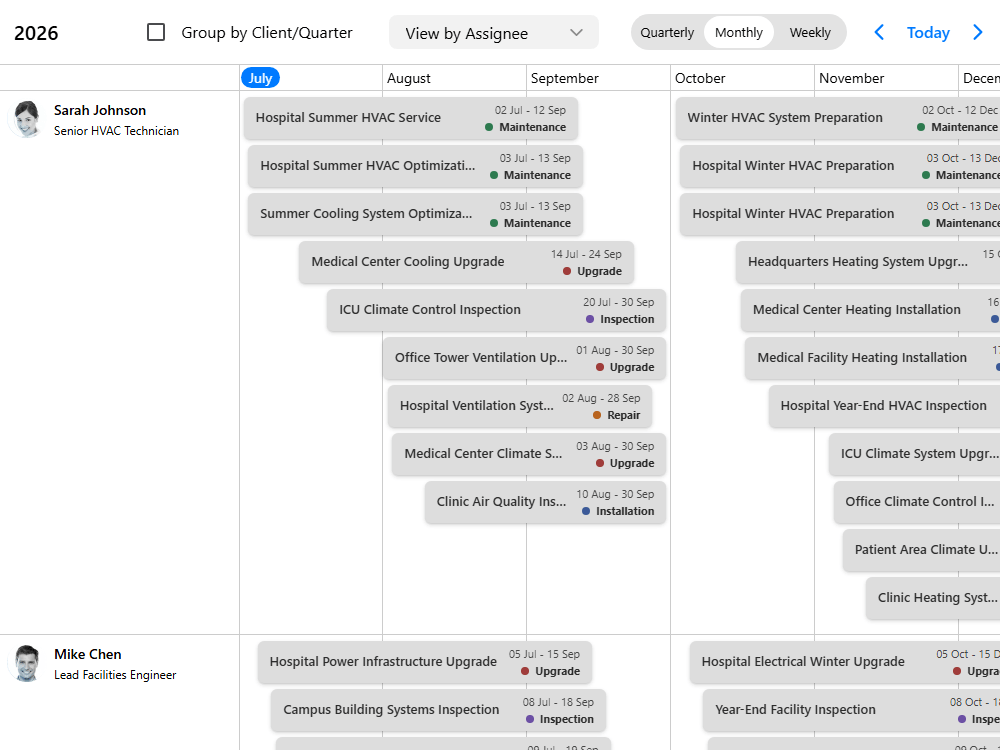
Scheduling example
Field service management
Workforce management
Sales enablement
Maintenance scheduling
Appointment booking
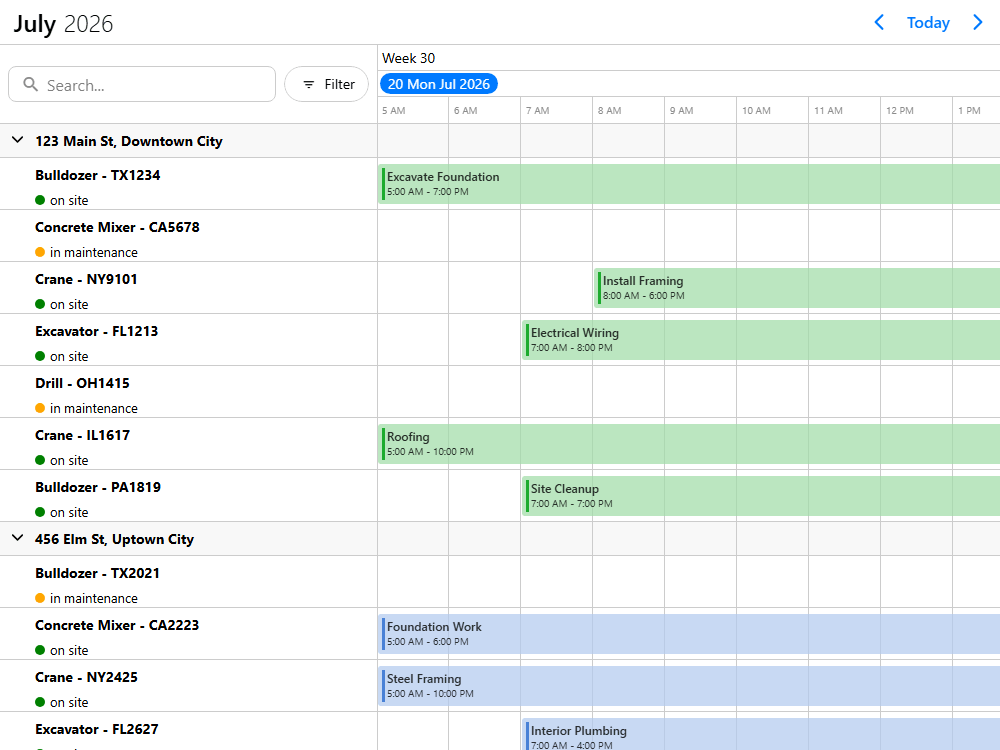
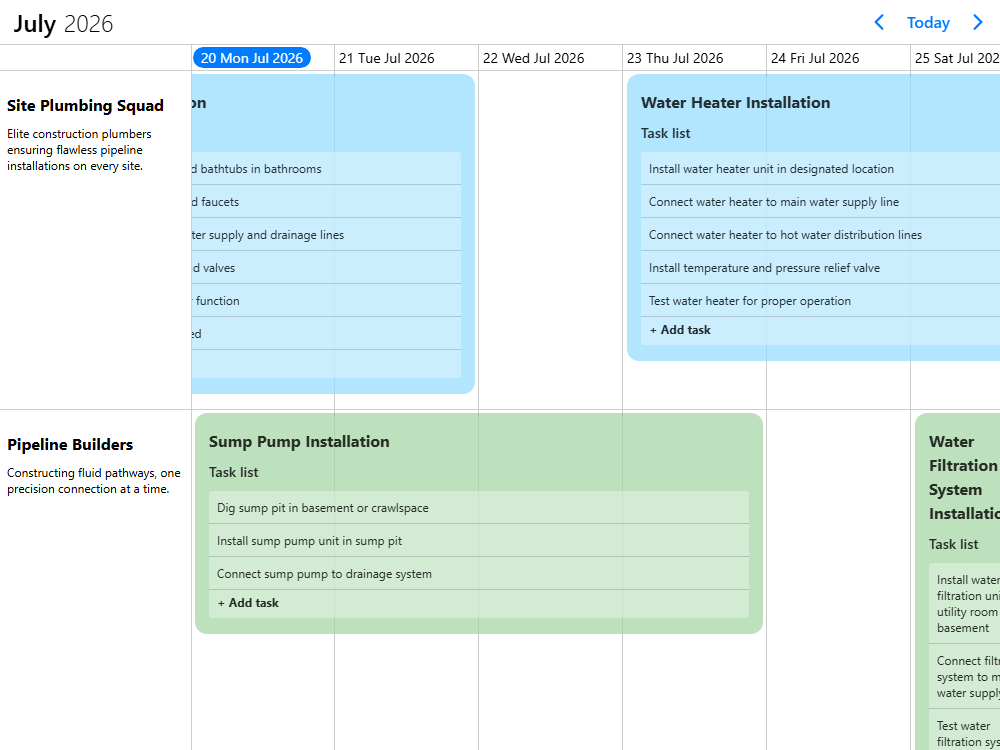
Resource management example
Asset management
Property management
Fleet management
Accommodation management
Reservations
Equipment booking
Facility management
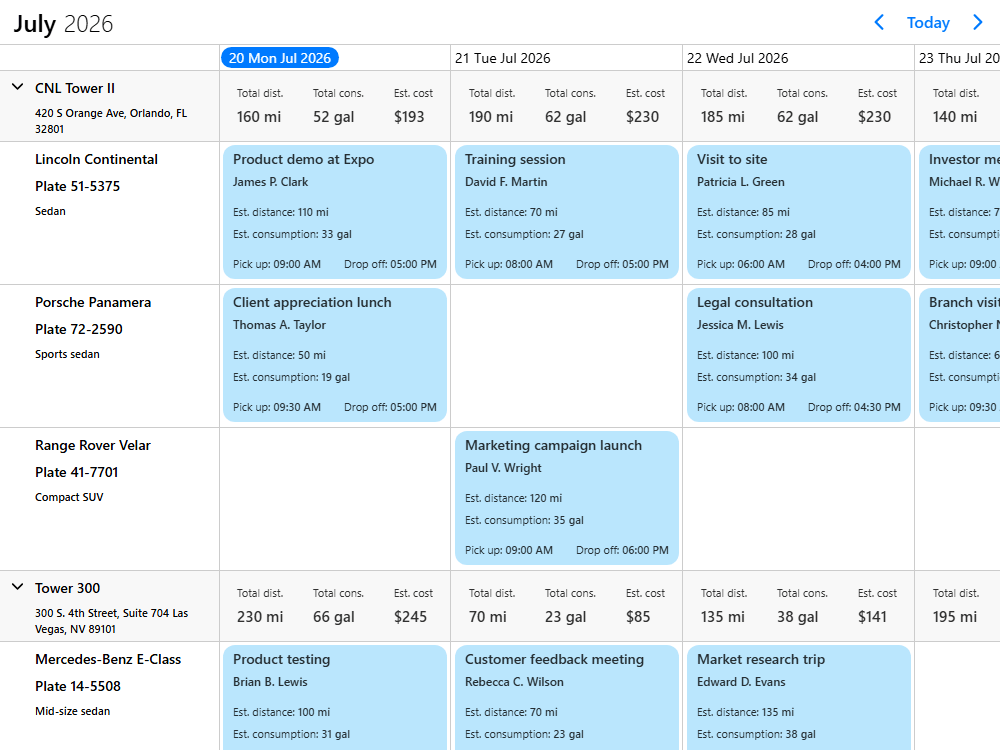
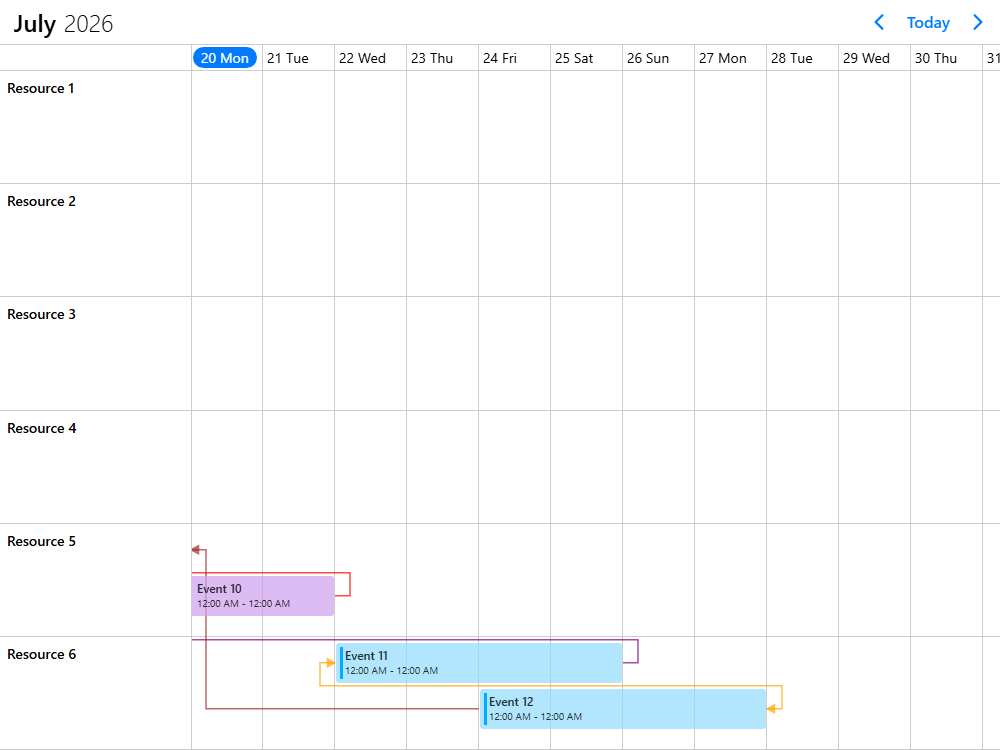
Project management example
Construction
Production management
Event management
Course & training management
Testing & automation
Project planning
Operations planning
Capacity planning

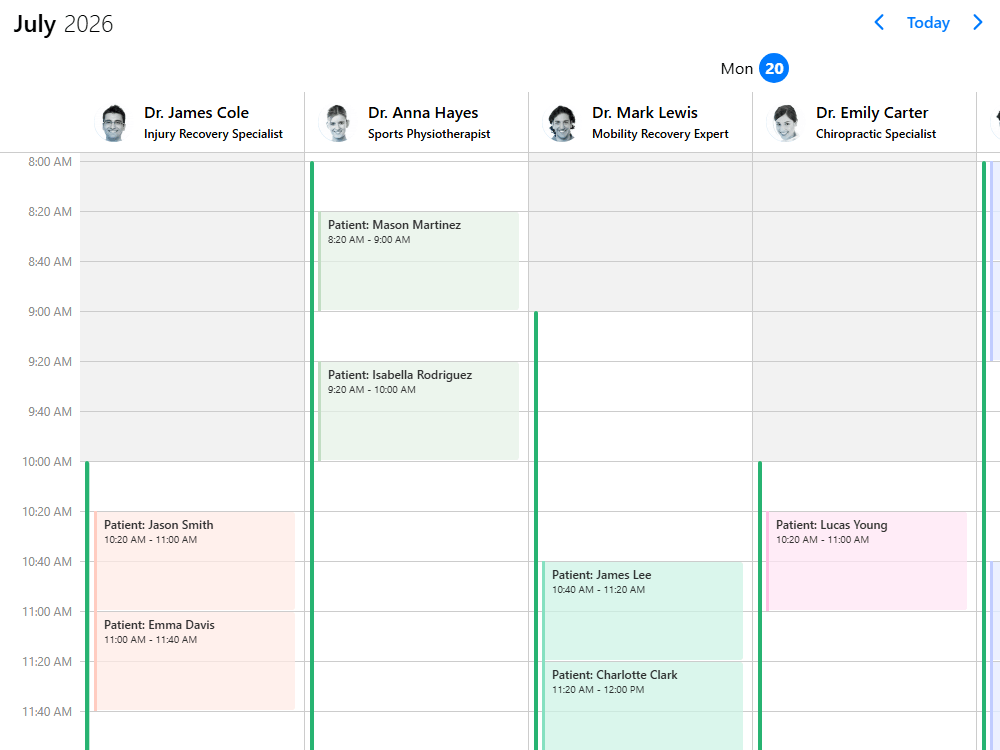
Build HR and workforce planning tools that adapt to your workflows - not the other way around

From shift planning and staffing to leave management and timesheets, Mobiscroll UI helps you build scheduling tools that match your exact operational needs - whether for internal systems or customer-facing products.

Handle complex workforce scenarios with confidence - from small teams to thousands of employees - while maintaining performance, flexibility, and full control over how data is loaded, structured, and displayed.

Why Mobiscroll?

HR systems rarely stay simple. As requirements grow, in-house solutions become harder to maintain, and off-the-shelf tools start to limit what your team can build.

Mobiscroll UI gives you a flexible foundation to build exactly what your product or organization needs - without forcing your workflows into predefined patterns.

  • Shape workflows your way - model shifts, roles, and availability without rigid constraints
  • Handle complexity at scale - from a few employees to thousands of resources
  • Stay fast and lightweight - optimized for performance across devices and datasets
  • Build with confidence - backed by detailed docs, real-world demos, and hands-on support

Build scheduling experiences for real-world operations

From field service operations to appointment booking and maintenance planning, Mobiscroll UI helps you build scheduling experiences that handle real-world complexity - without limiting how your product works.

Manage availability, coordinate multiple users and resources, and support advanced scenarios like planned vs actual execution - all while maintaining performance, responsiveness, and full control over how scheduling behaves.

Why Mobiscroll?

Scheduling quickly becomes one of the most complex parts of any product. As requirements grow, teams need to handle availability, coordination, and real-time changes - without slowing down development or compromising performance.

Mobiscroll UI gives your team a flexible foundation to build scheduling experiences that match your product's logic - while staying fast, scalable, and maintainable.

  • Model real-world scheduling logic - handle planned vs actual workflows, constraints, and dynamic changes without rigid limitations
  • Support complex coordination - manage multiple users, resources, and dependencies across scenarios
  • Keep interactions fast and responsive - optimized for high-frequency usage and large datasets
  • Integrate into your ecosystem - works with your frameworks, data layer, and existing workflows
  • Build faster with confidence - backed by demos, documentation, and hands-on developer support

Build resource management tools that reflect how your operations actually work

From assets and properties to fleets and reservations, Mobiscroll UI helps you create interfaces for managing resources, availability, and allocation - without forcing your workflows into rigid structures.

Track allocation, availability, and utilization across complex datasets - while coordinating resources in real time and maintaining performance, responsiveness, and full control over how data is modeled, loaded, and displayed.

Why Mobiscroll?

Resource management goes beyond simple scheduling. It requires clear visibility into how assets are allocated, how capacity is utilized, and how availability changes over time - often across large, complex datasets.

Building these systems in-house introduces significant complexity, while off-the-shelf tools rarely adapt to the way your operations actually work.

Mobiscroll UI gives your team a flexible foundation to model, visualize, and manage resources your way - while staying performant, scalable, and easy to evolve.

  • Model resources without constraints - define assets, relationships, and structures that match your domain
  • Track allocation and utilization - understand capacity, availability, and usage across resources
  • Control how data is loaded - load on demand, on scroll, or prefetch based on your performance needs
  • Handle large-scale datasets - optimized rendering for data-heavy applications
  • Enable real-time coordination - reflect changes instantly across users, resources, and views
  • Build with confidence - backed by extensive demos, documentation, and expert support

Build planning tools that match the way your projects actually run

From construction timelines to production workflows and high-frequency testing environments, Mobiscroll UI helps you create flexible planning and coordination interfaces - without forcing you into rigid project management models.

Visualize timelines, manage dependencies, coordinate multiple resources, and track progress across projects - while maintaining performance and full control over how data is structured, displayed, and updated.

Why Mobiscroll?

Many project management tools are built around rigid assumptions and full-featured Gantt implementations that don't adapt well to custom workflows or specialized use cases.

Mobiscroll UI gives your team the flexibility to build planning tools that reflect your actual processes - whether you're managing long-running projects or high-resolution, short-interval operations.

  • Build flexible timeline-based solutions - without being constrained by full Gantt complexity
  • Model dependencies and relationships - visually connect events and coordinate workflows
  • Support multi-resource planning - manage teams, assets, and timelines together
  • Handle high-resolution scenarios - from long-term planning to second-level scheduling
  • Track progress visually - implement custom progress indicators and status tracking
  • Adapt to your domain - construction, production, testing, or any custom workflow

See how teams build real-world scheduling solutions

Explore interactive demos built with Mobiscroll UI - covering scheduling, resource management, and planning scenarios designed for real-world complexity.

All demos are interactive and based on real-world use cases

HR Planning demos

Scheduling demos

Resource Management demos

Project Management demos

These examples are built using Mobiscroll's flexible UI components - giving your team full control to shape the experience around your product's needs.

Mobiscroll isn't built around fixed features - it's designed as a flexible toolkit that adapts to your use case, not the other way around.

Handles large datasets Supports dynamic data loading Fully customizable architecture Built for real-world complexity
The robust and customizable UI
your product team will love and your developers will love working with

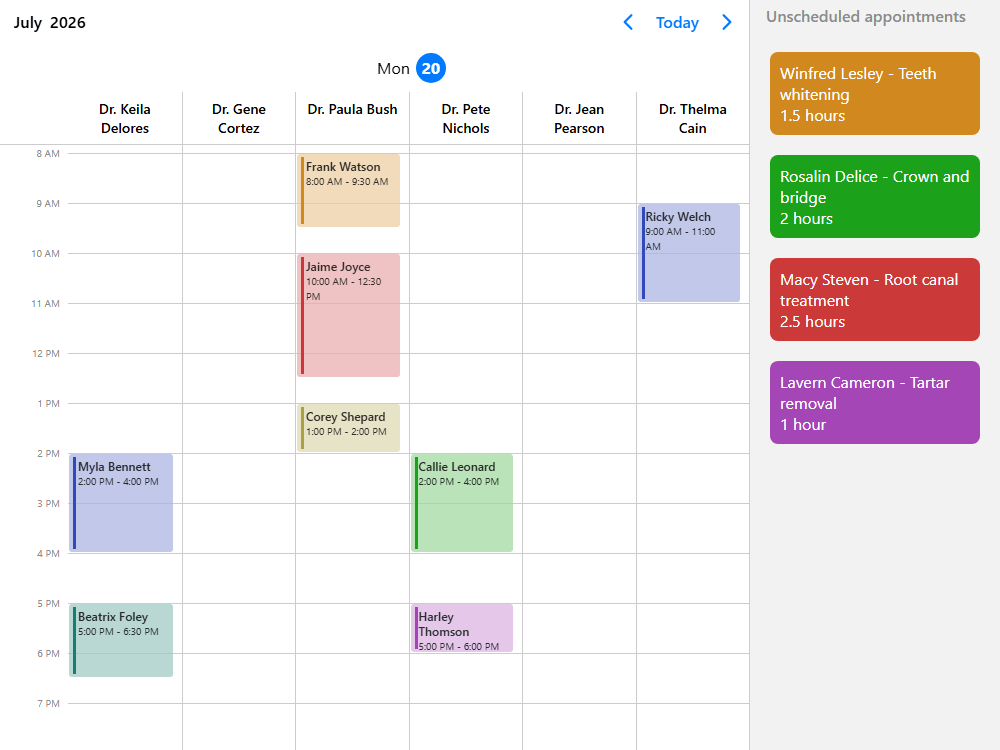
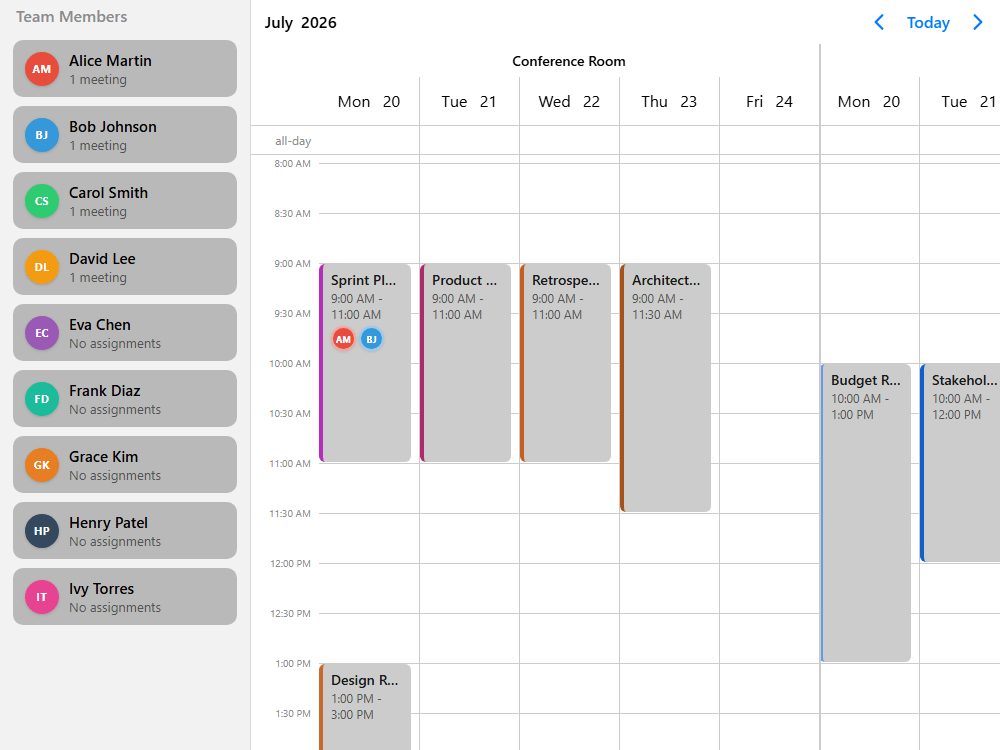
Scheduler for day, week, month or any custom range for one or more resources

Build responsive scheduling, appointment management for single or multiple resources, with deep view configuration and customization through templating and custom renderers.

Fine-grain control over drag & drop, validation along with external event drag, ship great scheduling experiences.

How is the Scheduler made?

To get this example up and running we have:
  • Configured the view from 8AM to 5PM
    It's very simple to set up a recurring start and end time for the day along with configuring what days to show and more.
  • Overridden the default colors, font weight
    You can easily customize the look and feel of the scheduler by adjusting colors, font weights, and other styles using CSS to ensure it matches your design requirements.
  • Implemented custom templates
    Custom templates allow you to fully control how events, headers, resources and time slots are displayed, making it possible to create a highly personalized scheduling experience.
  • Used lifecycle events to handle interactions
    By leveraging lifecycle events, you can react to user interaction such as event clicks, drags, drops, enabling dynamic updates and seamless user experiences.
mobisroll.eventcalendar('#demo', {
  view: {
    scheduler: {
      type: 'week',
      startTime: "08:00", 
      endTime: "17:00",
    }
  }
})
$('#demo').mobiscroll().eventcalendar({
  view: {
    scheduler: {
      type: 'week',
      startTime: "08:00", 
      endTime: "17:00",
    }
  }
})

Template

<mbsc-eventcalendar [view]="myView"></mbsc-eventcalendar>

TypeScript

public myView: MbscEventcalendarView = {
  scheduler: {
    type: 'week',
    startTime: "08:00", 
    endTime: "17:00",
  }
};
function (props)  {
  const myView = {
    scheduler: {
      type: 'week',
      startTime: "08:00", 
      endTime: "17:00",
    }
  }
  return <>
    <Eventcalendar view={myView} />
  </>
}
<script setup>
  const myView = {
    scheduler: {
      type: 'week',
      startTime: "08:00", 
      endTime: "17:00",
    }
  }
</script>

<template>
  <MbscEventcalendar :view="myView" />
</template>
#demo .mbsc-schedule-header-dayname,
#demo .mbsc-schedule-header-day,
#demo .mbsc-schedule-all-day-text,
#demo .mbsc-schedule-time {
  font-weight: bold;
  color: #000;
}
mobisroll.eventcalendar('#demo', {
  renderScheduleEvent: function (data) {
    return (
      '<div class="my-event-class">' + data.title + '</div>'
    );
  },
})
$('#demo').mobiscroll().eventcalendar({
  renderScheduleEvent: function (data) {
    return (
      '<div class="my-event-class">' + data.title + '</div>'
    );
  },
})

Template

<mbsc-eventcalendar
  [scheduleEventTemplate]="eventTemplate"
>
  <ng-template #eventTemplate let-data>
    <div class="my-custom-class">{{data.title}}</div>
  </ng-template>
</mbsc-eventcalendar>
function (props)  {
  const customEventRenderer = (data) => (
      <div className="my-custom-event">{data.title}</div>
  );
  return <>
    <Eventcalendar
      renderScheduleEvent={customEventRenderer}
    />
  </>
}
<template>
  <MbscEventcalendar>
    <template #scheduleEvent="data">
      <div class="my-custom-event">{{ data.title }}</div>
    </template>
  </MbscEventcalendar>
</template>
mobisroll.eventcalendar('#demo', {
  onEventClick: function() {
    mobiscroll.toast({ message: "Event clicked" });
  },
  onEventCreated: function() {
    mobiscroll.toast({ message: "Event created" });
  },
});
$('#demo').mobiscroll().eventcalendar({
  onEventClick: function() {
    mobiscroll.toast({ message: "Event clicked" });
  },
  onEventCreated: function() {
    mobiscroll.toast({ message: "Event created" });
  },
});

Template

<mbsc-eventcalendar
  (onEventClick)="eventClick()"
  (onEventCreated)="eventCreated()"
></mbsc-eventcalendar>

TypeScript

import { Notifications } from '@mobiscroll/angular';
// ...

constructor(private notify: Notifications) {}

public eventClick: function() {
  this.notify.toast({ message: "Event clicked" });
}
public eventCreated: function() {
  this.notify.toast({ message: "Event created" });
}
function (props)  {
  const [isToastOpen, setToastOpen] = useState(false);
  const closeMessage = () => setToastOpen(false);
  const [message, setMessage] = useState('');

  return <>
    <Eventcalendar
      onEventClick={showToast.bind(null, 'Event clicked')} 
      onEventCreated={showToast.bind(null, 'Event created')}
    />
    <Toast
      isOpen={isToastOpen}
      onClose={closeMessage}
      message={message}
    />
  </>

  function showToast(message) {
    setMessage(message);
    setToastOpen(true)
  }
}
<template>
  <MbscToast :message="message" :isOpen="isToastOpen" @close="isToastOpen = false" />
  <MbscEventcalendar
    @event-click="() => showMessage('Event clicked')"
    @event-created="() => showMessage('Event created')"
  >
  </MbscEventcalendar>
</template>

<script setup>
  import { ref } from 'vue';
  import { MbscToast, MbscEventcalendar } from '@mobiscroll/vue';

  const isToastOpen = ref(false);
  const message = ref('');

  function showMessage(mess) {
    message.value = mess;
    isToastOpen.value = true;
  }
</script>
Get started with a Free Trial

Responsive event calendar with mobile & desktop mode

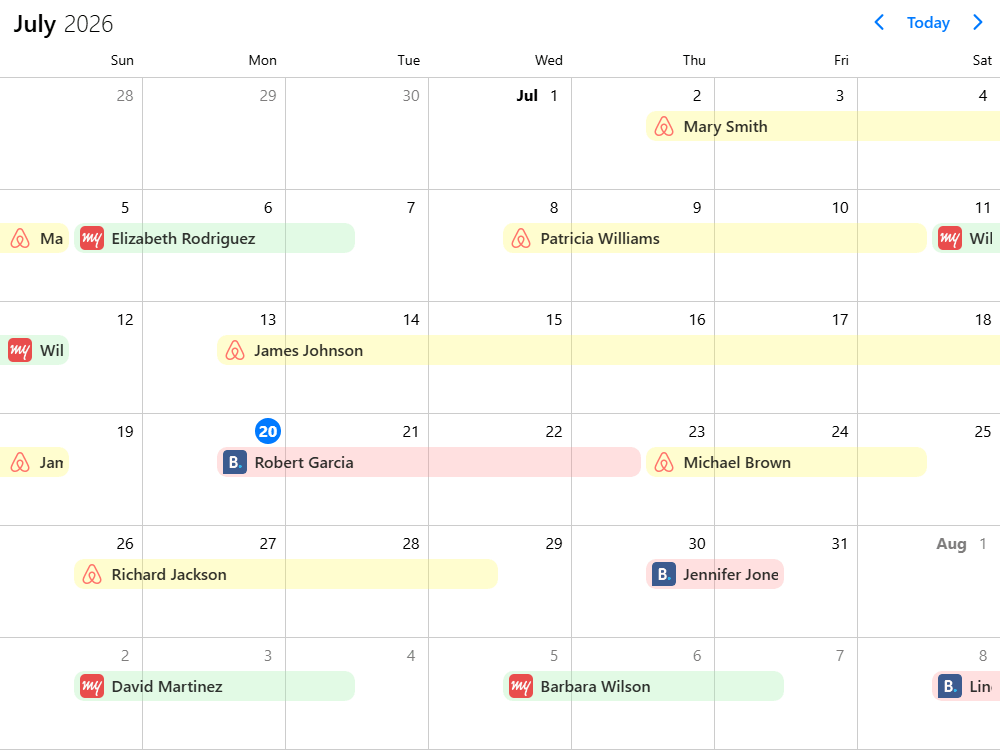
Use the calendar view to display events for one or more resources and from multiple sources as labels or lists. Month view by default, but can be configured as single or multiple week view, multi-month view, quarter view or year view.

Flexible in styling and customizable through theming and custom renderers.

How is the Calendar made?

To get this example up and running we have:
  • Overridden the default colors, font weight
    You can easily customize the look and feel of the calendar by adjusting colors, font weights, and other styles using CSS to ensure it matches your design requirements.
  • Implemented custom templates
    Custom templates allow you to fully control how events show up as labels and in popover listing, making it possible to show relevant information that your users will actually enjoy.
  • Used lifecycle events to handle interactions
    By leveraging lifecycle events, you can react to user interaction such as event clicks, drags, drops, enabling dynamic updates and seamless user experiences.
  • Configured event actions
    With fine-grain control over drag & drop, event creation, resize and delete, you can dynamically switch between presets based on roles or whatever makes sense.
#demo .mbsc-calendar-week-day,
#demo .mbsc-calendar-cell-text,
#demo .mbsc-calendar-label-text,
#demo .mbsc-calendar-button.mbsc-ios {
  font-weight: bold;
  color: #000;
}
mobisroll.eventcalendar('#demo', {
  renderLabel: function (data) {
    return (
      '<div style="background:' + data.original.color + '">' + data.original.title + '</div>'
    );
  },
})
$('#demo').mobiscroll().eventcalendar({
  renderLabel: function (data) {
    return (
      '<div style="background:' + data.original.color + '">' + data.original.title + '</div>'
    );
  },
})

Template

<mbsc-eventcalendar
  [labelTemplate]="myLabelTemplate"
>
  <ng-template #myLabelTemplate let-data>
    <div [ngStyle]="{color: '#000'}">{{data.original.title}}</div>
  </ng-template>
</mbsc-eventcalendar>
function (props)  {
  const labelRenderer = (data) => (
    <div className="my-custom-event">{data.original.title}</div>
  );
  return <>
    <Eventcalendar
      renderLabel={labelRenderer}
    />
  </>
}
<template>
  <MbscEventcalendar>
    <template #label="data">
      <div class="my-custom-event">{{ data.original.title }}</div>
    </template>
  </MbscEventcalendar>
</template>
mobisroll.eventcalendar('#demo', {
  onEventClick: function() {
    mobiscroll.toast({ message: "Event clicked" });
  },
  onEventCreated: function() {
    mobiscroll.toast({ message: "Event created" });
  },
});
$('#demo').mobiscroll().eventcalendar({
  onEventClick: function() {
    mobiscroll.toast({ message: "Event clicked" });
  },
  onEventCreated: function() {
    mobiscroll.toast({ message: "Event created" });
  },
});

Template

<mbsc-eventcalendar
  (onEventClick)="eventClick()"
  (onEventCreated)="eventCreated()"
></mbsc-eventcalendar>

TypeScript

import { Notifications } from '@mobiscroll/angular';
// ...

constructor(private notify: Notifications) {}

public eventClick: function() {
  this.notify.toast({ message: "Event clicked" });
}
public eventCreated: function() {
  this.notify.toast({ message: "Event created" });
}
function (props)  {
  const [isToastOpen, setToastOpen] = useState(false);
  const closeMessage = () => setToastOpen(false);
  const [message, setMessage] = useState('');

  return <>
    <Eventcalendar
      onEventClick={showToast.bind(null, 'Event clicked')} 
      onEventCreated={showToast.bind(null, 'Event created')}
    />
    <Toast
      isOpen={isToastOpen}
      onClose={closeMessage}
      message={message}
    />
  </>

  function showToast(message) {
    setMessage(message);
    setToastOpen(true)
  }
}
<template>
  <MbscToast :message="message" :isOpen="isToastOpen" @close="isToastOpen = false" />
  <MbscEventcalendar
    @event-click="() => showMessage('Event clicked')"
    @event-created="() => showMessage('Event created')"
  >
  </MbscEventcalendar>
</template>

<script setup>
  import { ref } from 'vue';
  import { MbscToast, MbscEventcalendar } from '@mobiscroll/vue';

  const isToastOpen = ref(false);
  const message = ref('');

  function showMessage(mess) {
    message.value = mess;
    isToastOpen.value = true;
  }
</script>
mobisroll.eventcalendar('#demo', {
  clickToCreate: true,
  dragToCreate: true,
  dragToMove: true,
  dragToResize: true,
  eventDelete: true,
});
$('#demo').mobiscroll().eventcalendar({
  clickToCreate: true,
  dragToCreate: true,
  dragToMove: true,
  dragToResize: true,
  eventDelete: true,
});

Template

<mbsc-eventcalendar
  [clickToCreate]="true"
  [dragToCreate]="true"
  [dragToMove]="true"
  [dragToResize]="true"
  [eventDelete]="true"
></mbsc-eventcalendar>
<Eventcalendar
  clickToCreate={true}
  dragToCreate={true}
  dragToMove={true}
  dragToResize={true}
  eventDelete={true}
/>
<MbscEventcalendar
  :clickToCreate="true"
  :dragToCreate="true"
  :dragToMove="true"
  :dragToResize="true"
  :eventDelete="true"
>
</MbscEventcalendar>
Get started with a Free Trial

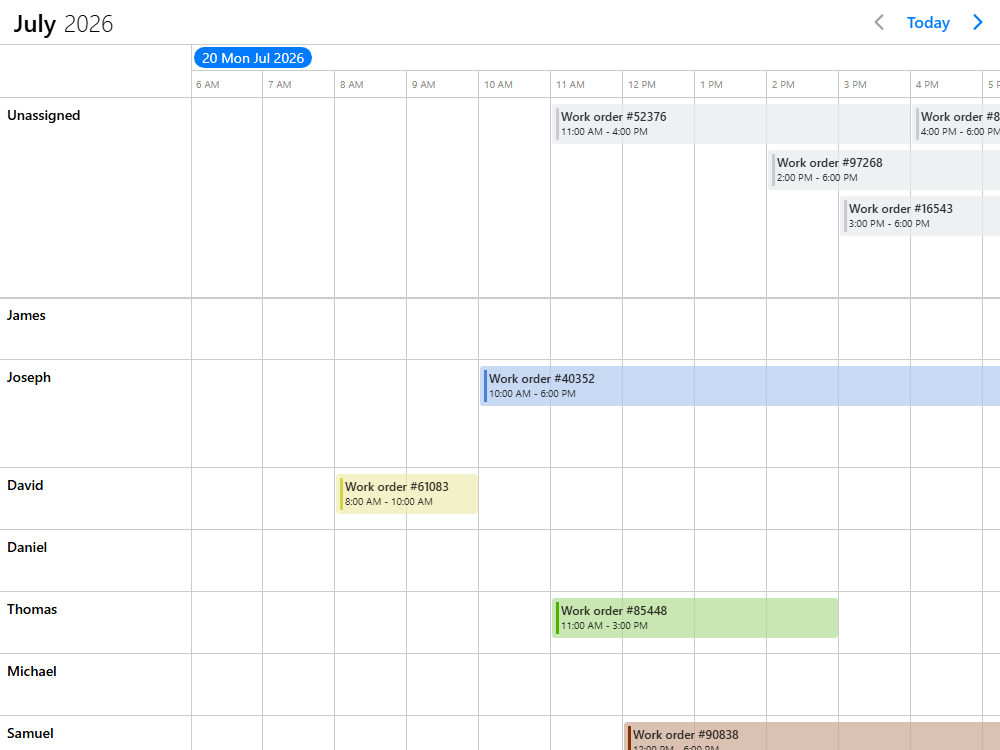
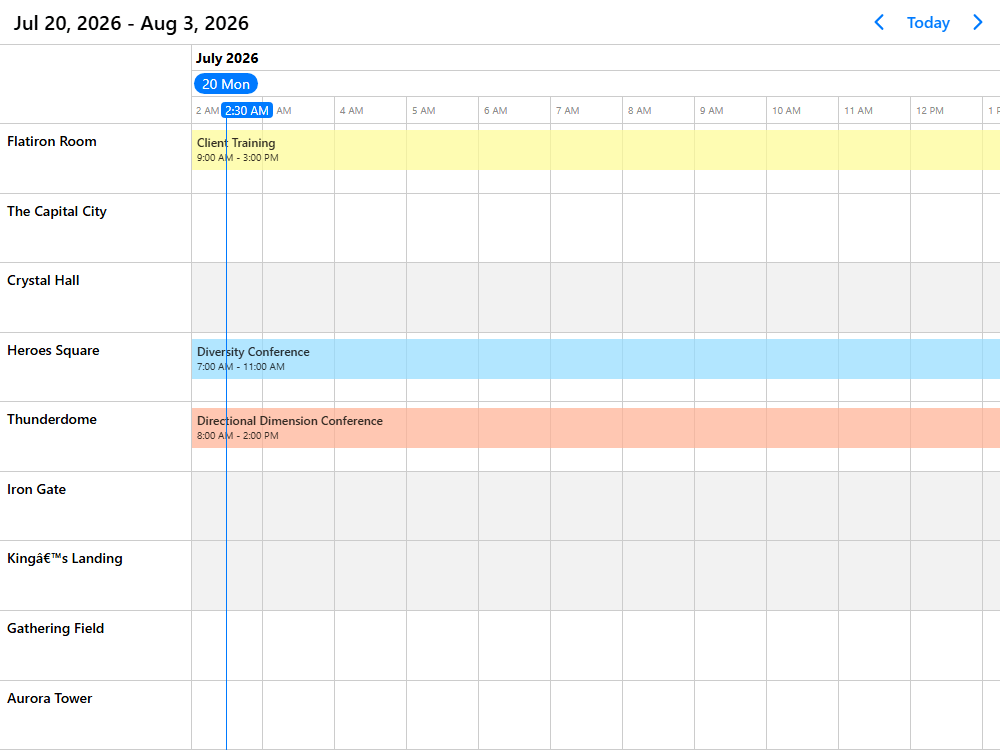
Timeline for advanced resource management across variable time ranges

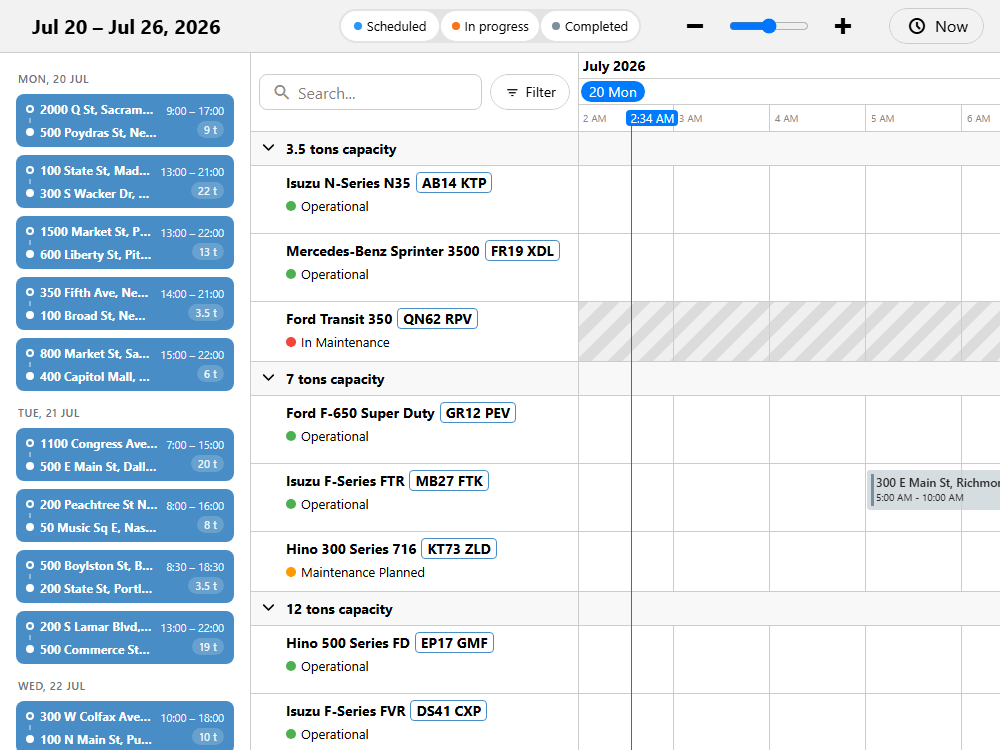
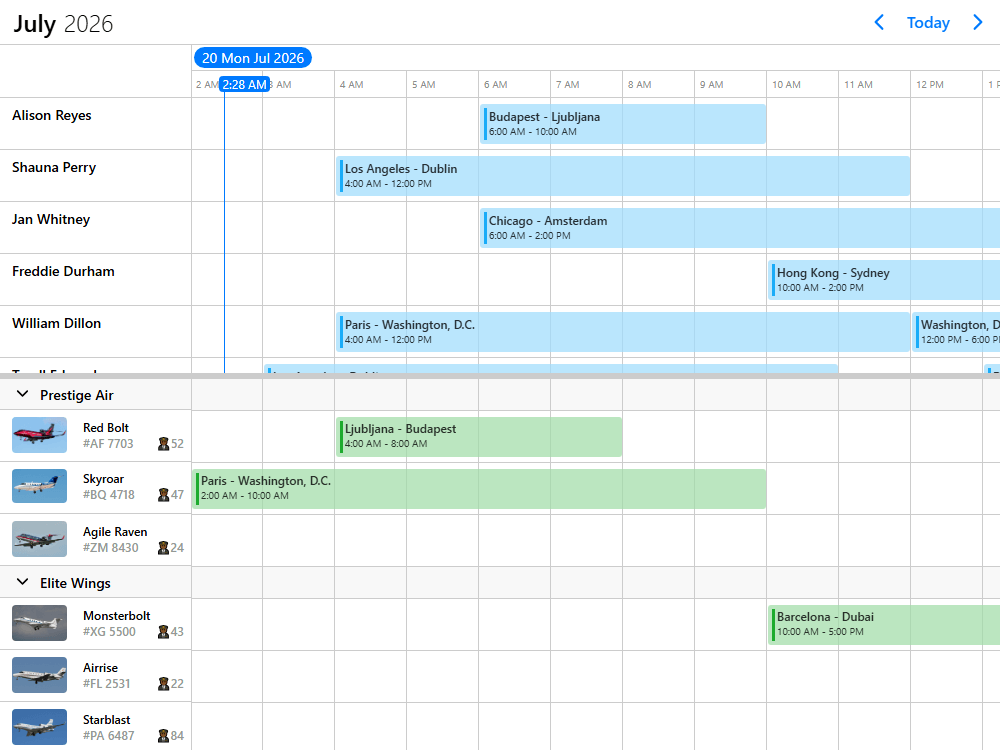
Use the timeline view with Gantt-like features for smoothly managing anything between a couple to thousands of resources across virtually any period of time. With built-in virtualization, advanced templating capabilities, great performance, touch support and super flexibility, the timeline view is your go-to tool for asset-, resource-, workforce- or project-management.

Pair that with your vision for what a tailored user experience means for your customers and users.

How is this Timeline made?

To get this example up and running we have:
  • Configured the view from 8AM to 5PM
    It's very simple to set up a recurring start and end time for the day along with configuring what days to show and more.
  • Overridden the default colors, font weight
    You can easily customize the look and feel of the timeline by adjusting colors, font weights, and other styles using CSS to ensure it matches your design requirements.
  • Implemented custom templates
    Custom templates allow you to fully control how events, headers, resources and time slots are displayed, making it possible to create a highly personalized scheduling experience.
  • Fixed the unassigned tickets row at the top
    You can easily mark one or more resource rows sticky at the top, which grants them constant visibility.
  • Fixed events in time to only allow reassignment
    With fine-grain control over the allowed drag & drop interaction, you can fix scheduled tasks in time and only allow reassignments.
mobisroll.eventcalendar('#demo', {
  view: {
    timeline: {
      type: 'month',
      startTime: "08:00", 
      endTime: "17:00",
    }
  }
})
$('#demo').mobiscroll().eventcalendar({
  view: {
    timeline: {
      type: 'month',
      startTime: "08:00", 
      endTime: "17:00",
    }
  }
})

Template

<mbsc-eventcalendar [view]="myView"></mbsc-eventcalendar>

TypeScript

public class MyComponent {
  public myView: MbscEventcalendarView = {
    timeline: {
      type: 'month',
      startTime: "08:00", 
      endTime: "17:00",
    }
  };
function (props)  {
  const myView = {
    timeline: {
      type: 'month',
      startTime: "08:00", 
      endTime: "17:00",
    }
  }
  return <>
    <Eventcalendar view={myView} />
  </>
}
<script setup>
  const myView = {
    timeline: {
      type: 'month',
      startTime: "08:00", 
      endTime: "17:00",
    }
  }
</script>

<template>
  <MbscEventcalendar :view="myView" />
</template>
#demo .mbsc-timeline-header-active,
#demo .mbsc-timeline-header-date,
#demo .mbsc-timeline-header-column {
  font-weight: bold;
  color: #000;
}
mobisroll.eventcalendar('#demo', {
  renderScheduleEvent: function (data) {
    return (
      '<div class="my-event-class">' + data.title + '</div>'
    );
  },
})
$('#demo').mobiscroll().eventcalendar({
  renderScheduleEvent: function (data) {
    return (
      '<div class="my-event-class">' + data.title + '</div>'
    );
  },
})

Template

<mbsc-eventcalendar
  [scheduleEventTemplate]="eventTemplate"
>
  <ng-template #eventTemplate let-data>
    <div class="my-custom-class">{{data.title}}</div>
  </ng-template>
</mbsc-eventcalendar>
function (props)  {
  const customEventRenderer = (data) => (
      <div className="my-custom-event">{data.title}</div>
  );
  return <>
    <Eventcalendar
      renderScheduleEvent={customEventRenderer}
    />
  </>
}
<template>
  <MbscEventcalendar>
    <template #scheduleEvent="data">
      <div class="my-custom-event">{{ data.title }}</div>
    </template>
  </MbscEventcalendar>
</template>
mobisroll.eventcalendar('#demo', {
  resources: [{
    id: 'unassigned_tickets',
    name: "Unassigned Tickets",
    color: "#c8cdcf",
    fixed: true, 
  }, /* ... */],
})
$('#demo').mobiscroll().eventcalendar({
  resources: [{
    id: 'unassigned_tickets',
    name: "Unassigned Tickets",
    color: "#c8cdcf",
    fixed: true, 
  }, /* ... */],
})

Template

<mbsc-eventcalendar [resources]="myResources"></mbsc-eventcalendar>

TypeScript

public class MyComponent {
  public myResources: MbscResource[] = [{
    id: 'unassigned_tickets',
    name: "Unassigned Tickets",
    color: "#c8cdcf",
    fixed: true, 
  }, /* ... */]
function (props)  {
  const [resources, setResources] = useState([{
    id: 'unassigned_tickets',
    name: "Unassigned Tickets",
    color: "#c8cdcf",
    fixed: true, 
  }, /* ... */])

  return <>
    <Eventcalendar resources={resources} />
  </>
}
<script setup>
  import { ref } from 'vue';
  import { MbscEventcalendar } from '@mobiscroll/vue';

  const resources = ref([{
    id: 'unassigned_tickets',
    name: "Unassigned Tickets",
    color: "#c8cdcf",
    fixed: true, 
  }, /* ... */]);
</script>

<template>
  <MbscEventcalendar
    :resources="resources"
  >
  </MbscEventcalendar>
</template>
mobisroll.eventcalendar('#demo', {
  dragInTime: false, 
  dragToResize: false,
  dragToCreate: true,
});
$('#demo').mobiscroll().eventcalendar({
  dragInTime: false, 
  dragToResize: false,
  dragToCreate: true,
});

Template

<mbsc-eventcalendar
  [dragInTime]="false",
  [dragToResize]="false",
  [dragToCreate]="true",
></mbsc-eventcalendar>
<Eventcalendar
  dragInTime={false},
  dragToResize={false},
  dragToCreate={true},
/>
<MbscEventcalendar
  :dragInTime="false", // [!code highlight]
  :dragToResize="false",
  :dragToCreate="true",
>
</MbscEventcalendar>
Get started with a Free Trial

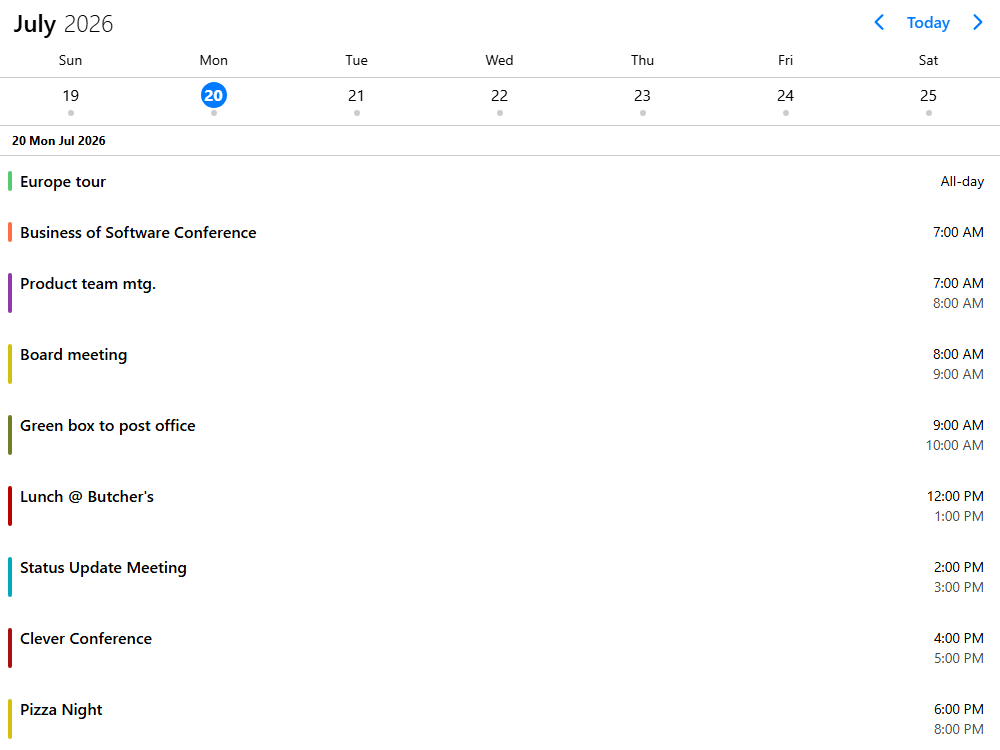
Agenda with event listing for a customizable range

List out events grouped by day with sticky headers. Set it up as a daily, weekly, monthly agenda or configure a custom range for the event list.

Customize the look & feel through templating and custom renderers and use it on its own or combine it with a calendar or date picker.

How is the Agenda made?

To get this example up and running we have:
  • Combined the agenda with a week calendar
    Mix & match the views so that they make sense for your users. Weekly calendar + weekly agenda, or monthly calendar and daily agenda below?
  • Overridden the default colors, font weight
    You can easily customize the look and feel of the agenda by adjusting colors, font weights, and other styles using CSS to ensure it matches your design requirements.
  • Implemented custom templates
    Custom templates allow you to fully control how events look, making it possible to display relevant information that your users will actually enjoy.
  • Used lifecycle events to handle interactions
    By leveraging lifecycle events, you can react to user interaction such as event clicks, selection, delete and much more.
mobisroll.eventcalendar('#demo', {
  view: {
    agenda: { type: 'week' }, 
    calendar: { type: 'week' },
  }
})
$('#demo').mobiscroll().eventcalendar({
  view: {
    agenda: { type: 'week' }, 
    calendar: { type: 'week' },
  }
})

Template

<mbsc-eventcalendar [view]="myView"></mbsc-eventcalendar>

TypeScript

public class MyComponent {
  public myView: MbscEventcalendarView = {
    agenda: { type: 'week' }, 
    calendar: { type: 'week' },
  };
function (props)  {
  const myView = {
    agenda: { type: 'week' }, 
    calendar: { type: 'week' },
  }
  return <>
    <Eventcalendar view={myView} />
  </>
}
<script setup>
  const myView = {
    agenda: { type: 'week' }, 
    calendar: { type: 'week' },
  }
</script>

<template>
  <MbscEventcalendar :view="myView" />
</template>
#demo .mbsc-calendar-week-day,
#demo .mbsc-calendar-cell-text,
#demo .mbsc-calendar-label-text {
  font-weight: bold;
  color: #000;
}
mobisroll.eventcalendar('#demo', {
  renderEvent: function (data) {
    return (
      '<div style="background:' + data.original.color + '">' + data.original.title + '</div>'
    );
  },
})
$('#demo').mobiscroll().eventcalendar({
  renderEvent: function (data) {
    return (
      '<div style="background:' + data.original.color + '">' + data.original.title + '</div>'
    );
  },
})

Template

<mbsc-eventcalendar
  [eventTemplate]="myEventTemplate"
>
  <ng-template #myEventTemplate let-data>
    <div [ngStyle]="{color: '#000'}">{{data.original.title}}</div>
  </ng-template>
</mbsc-eventcalendar>
function (props)  {
  const eventRenderer = (data) => (
    <div className="my-custom-event">{data.original.title}</div>
  );
  return <>
    <Eventcalendar
      renderEvent={eventRenderer}
    />
  </>
}
<template>
  <MbscEventcalendar>
    <template #event="data">
      <div class="my-custom-event">{{ data.original.title }}</div>
    </template>
  </MbscEventcalendar>
</template>
mobisroll.eventcalendar('#demo', {
  onEventClick: function() {
    mobiscroll.toast({ message: "Event clicked" });
  },
  onEventDeleted: function() {
    mobiscroll.toast({ message: "Event deleted" });
  },
});
$('#demo').mobiscroll().eventcalendar({
  onEventClick: function() {
    mobiscroll.toast({ message: "Event clicked" });
  },
  onEventDeleted: function() {
    mobiscroll.toast({ message: "Event deleted" });
  },
});

Template

<mbsc-eventcalendar
  (onEventClick)="eventClick()"
  (onEventDeleted)="eventCreated()"
></mbsc-eventcalendar>

TypeScript

import { Notifications } from '@mobiscroll/angular';
// ...

constructor(private notify: Notifications) {}

public eventClick: function() {
  this.notify.toast({ message: "Event clicked" });
}
public eventCreated: function() {
  this.notify.toast({ message: "Event deleted" });
}
function (props)  {
  const [isToastOpen, setToastOpen] = useState(false);
  const closeMessage = () => setToastOpen(false);
  const [message, setMessage] = useState('');

  return <>
    <Eventcalendar
      onEventClick={showToast.bind(null, 'Event clicked')} 
      onEventDeleted={showToast.bind(null, 'Event deleted')}
    />
    <Toast
      isOpen={isToastOpen}
      onClose={closeMessage}
      message={message}
    />
  </>

  function showToast(message) {
    setMessage(message);
    setToastOpen(true)
  }
}
<template>
  <MbscToast :message="message" :isOpen="isToastOpen" @close="isToastOpen = false" />
  <MbscEventcalendar
    @event-click="() => showMessage('Event clicked')"
    @event-deleted="() => showMessage('Event deleted')"
  >
  </MbscEventcalendar>
</template>

<script setup>
  import { ref } from 'vue';
  import { MbscToast, MbscEventcalendar } from '@mobiscroll/vue';

  const isToastOpen = ref(false);
  const message = ref('');

  function showMessage(mess) {
    message.value = mess;
    isToastOpen.value = true;
  }
</script>
Get started with a Free Trial

Built for teams that need to move fast - and build it their way

Mobiscroll UI is designed to help development teams deliver complex scheduling solutions faster - without getting blocked by rigid components or edge-case complexity.

Build faster without starting from scratch

Get to working solutions quickly using real-world demos as starting points - then adapt them to your exact use case.

Reduce time spent on edge cases, performance issues, and compliance concerns - so your team can focus on delivering value.

A real Mobiscroll scheduling demo
Start from 400+ examples
const scheduler = {
  view: 'timeline',
  data: events,
  dragToCreate: true
}
Customize to your needs
A finished Mobiscroll scheduling UI
Ship the UI you want

Customize without fighting the system

Mobiscroll isn't built around fixed features - it's designed as a flexible toolkit.

Instead of forcing your product into predefined flows, you can shape behavior using lifecycle events, templating, and real-time UI control - so your implementation matches your product vision.

Learn by building with real examples

Developers typically start from the closest demo and build from there.

With hundreds of real-world examples - covering scheduling, resource management, and planning scenarios - your team always has a practical starting point.

Whether you're building internal tools or customer-facing products, your team gets the flexibility to implement your exact workflows, backed by the tooling, documentation, and support needed to move with confidence.

Get expert help when it matters

Support goes beyond answering questions.

Our team works to understand your context and recommend the best approach - whether that means guiding your implementation or helping you rethink how to solve a problem.

Expert help

Guidance from the people who build Mobiscroll

1:1 support
Community forum
Continuous feedback into product improvements

Work within your existing stack

Mobiscroll fits into modern development workflows and environments.

  • Native components for React, Angular, Vue, vanilla JS, and jQuery
  • Works with CI/CD pipelines, proxies, and team-based npm setups
JavaScript
Angular
React
Vue
jQuery

Accelerate development with AI tools

Mobiscroll UI's architecture and documentation make it easier to build with AI-assisted workflows.

  • Generate UI implementations based on real components
  • Use demos as starting points for AI-assisted customization
  • Iterate faster on complex scheduling interfaces
Your application
Your applicationworking scheduling UI
AI agents & tools
Codex
Cursor
Claude
Foundation
MCP serverAI-friendly docsDemos & components

Mobiscroll UI is designed to fit into your workflow - not replace it - giving your team the tools to build complex solutions with confidence.

Mobiscroll Connect illustration

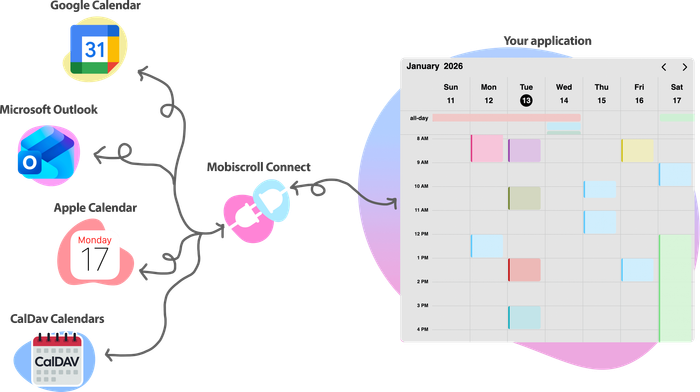
Need to connect external calendars?

When your scheduling workflows need to work with Google Calendar, Outlook, Apple Calendar, and CalDAV, Mobiscroll Connect is the calendar connectivity layer for scheduling products - one integration for account connection, user authentication and consent, normalized calendar data, sync, and availability checks.

It works alongside Mobiscroll UI - so you can build scheduling experiences on top of real calendar data, with availability and bookings kept in sync across systems.

Mobiscroll comes in multiple flavors
for multiple frameworks, with real components, not just wrappers

For plain JavaScript

Use it wherever JavaScript runs, framework agnostic components for the modern developers.

Get started with JavaScript

For Angular

Use it with Angular, Ionic, Remix or any development framework based on Angular.

Get started with Angular

For React

Use it with React, Ionic, Next.js or any development framework based on React.

Get started with React

For Vue

Use it with Vue, Ionic, Nuxt or any development framework based on Vue.

Get started with Vue

For jQuery

Use it with jQuery-based projects to enhance interactivity, simplify DOM manipulation and improve cross-browser compatibility.

Get started with jQuery

Built for developers, product teams, and leadership

Choosing the right UI solution means balancing flexibility, team productivity, and long-term reliability. Mobiscroll is designed to support all three.

Developers don't outgrow it

Built on a flexible foundation, Mobiscroll grows with your application. No rigid patterns, no limitations - just the tools your team needs to handle new requirements as they come.

Why developers choose Mobiscroll

Build the product you actually want

Every product is different. Instead of forcing predefined flows, Mobiscroll gives your team the flexibility to implement exactly what your product and designers envision.

Why product teams choose Mobiscroll

Confidence in long-term success

With a strong track record, focus on accessibility and compliance, and continuous improvement, Mobiscroll gives your team a reliable foundation you can count on.

Why leadership trusts Mobiscroll

A solution your developers enjoy using, your product team can rely on, and your leadership can trust.

Start building with Mobiscroll

Build complex scheduling experiences faster - with the flexibility your team needs and the reliability your product depends on.

Get started with Mobiscroll UI Explore demos Book a call
🎉
Latest version released: v5.0.0
Released three years ago
Refer a friend
and get $50 cash
Learn how

Duplicate Session

You have signed in on a different machine. To keep everything in sync, you have been signed out of this session.

If you need to invite team members, manage seats and accounts you can do it from the licenses page.

Duplicate Session

We noticed you are logged in on a different machine and have closed your old session.

If you need to invite team members, manage seats and accounts you can do it from the licenses page.